 |
| Fab New App |
Showing posts with label Pixel Blend app. Show all posts
Showing posts with label Pixel Blend app. Show all posts
Wednesday, August 14, 2013
Fab New App - Pixel Blend

iPhone Art Gallery
 |
| iPhone Art Gallery |
Fabulous App Pixel Blend Pro for the iPhone
 |
| Fabulous App Pixel Blend Pro for the iPhone |
Transferring Photos From iPhone to iPad to Computer
 |
| Transferring Photos From iPhone to iPad to Computer |
Of all the apps I've tried, (and as an appaholic, I've tried a bunch), the one that gets my overall vote is PhotoSync. For $1.99, you can install it on both your iPhone and iPad. The computer version is free (of course, you have to have it installed on one of your other devices for it to work.)
It is unbelievably fast - I've never had it crash or had any problems with it. I use it everyday. There is only one caveat: you must have wifi access.
And, traveling around to photograph, there may be times - gulp - when there is no access (eg. in the Galapagos, or Yosemite or camping.)
For those situations, I depend on my previous favorite transfer app: Photo Transfer. ($2.99 in the app store.) Because (drumroll please), it also works with bluetooth. Just turn on bluetooth on both devices, open Photo Transfer on both, and voila, you are on your way. Go have a cup of coffee or chimp on your big boy/big girl camera for a bit, because bluetooth is a lot slower than wifi. But it's still magic.
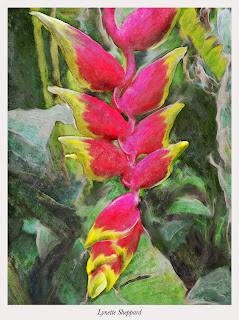
The above image was transferred to my iPad or I'd never have been able to process it - the iPhone, much as I love it, is just too tiny for accurate brush strokes. This heliconia blossom was "painted" in Ghostbird Software's Photoforge app using the smudge tool, (way harder than Pixel Blend, but it wasn't available when I worked this) then combined with a sketch of the same image from Jixi Pix Artista Sketch app. The combining and blend mode was done using IRIS Photo Suite app.
So iphoneographers, that's my story and I'm stickin' to it. The two best and most versatile transfer apps for less than the cost of a latte. You can't afford not to have them!
Thursday, July 25, 2013
Smoosh: New Fab Painting App from Pixel Blend Creator
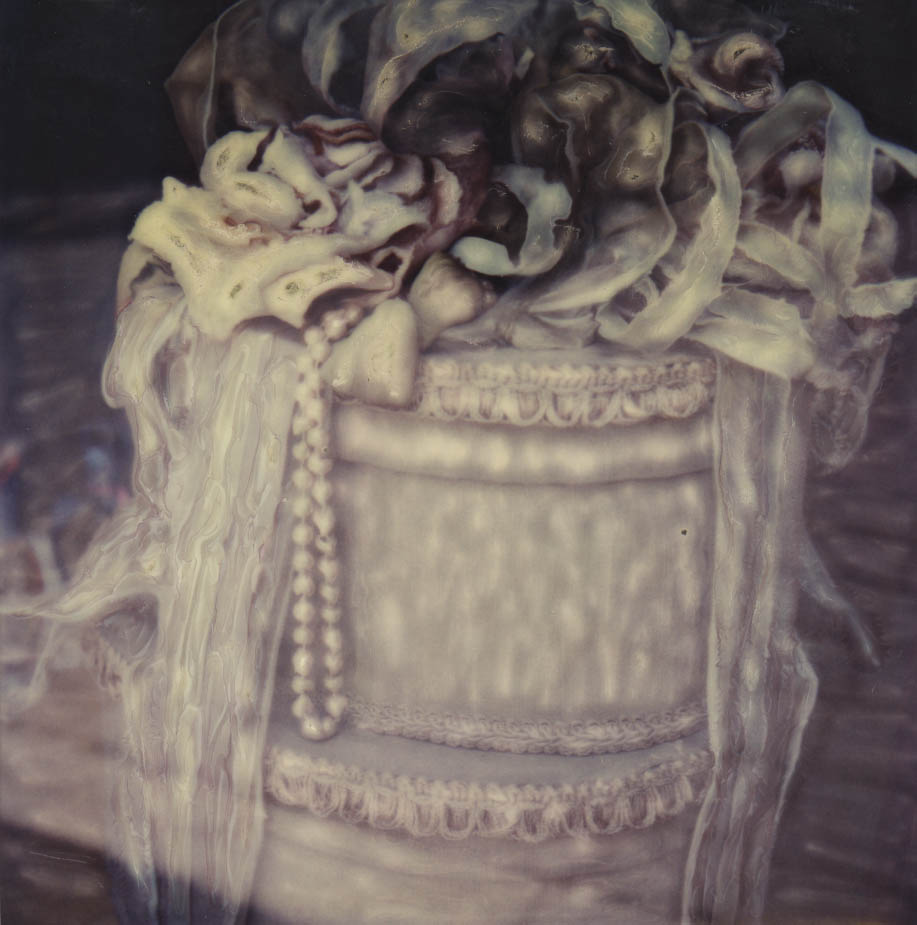
 Pixel Blend, a painting app that simulates the process of Time Zero Polaroid SX70 emulsion "painting" is one of my favorite apps. Now, Michael Valdez has come out with its easier to use cousin: Smoosh. (Smooshing is what we SX70 enthusiasts used to say we were doing when we moved the emulsion on the Polaroid prints.) I tried it and I love it! It's intuitive and user-friendly - even if you've never heard of SX70 or Time Zero or heaven forbid, Polaroid.
Subscribe to:
Posts (Atom)